
A laptop can look impressive in a specification table and still be awkward for the way you work. Imagine a typical day: a dozen browser tabs, a video call, a train ride, or a large creative project. That routine gives you a clearer shortlist than a processor name on its own.
Choose for real workloads
For writing, web browsing, and video calls, prioritize a comfortable keyboard, a screen you can read for hours, and enough memory for the apps you keep open. Photo and video work can call for more processing power, memory, and storage, so check the requirements of the software you actually use. Paying for high-end graphics makes less sense if your regular work never uses them.
Balance portability and comfort
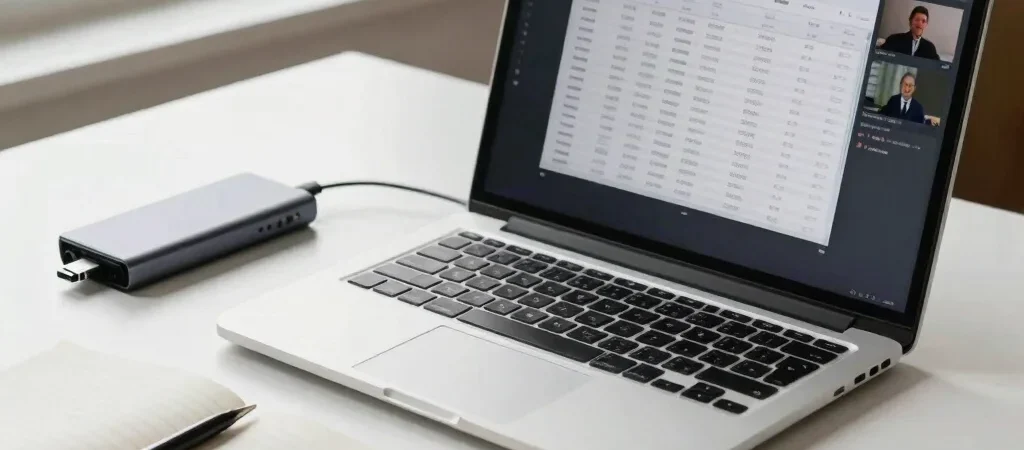
A lighter laptop is easier to carry, but a larger screen may be more comfortable for spreadsheets or detailed editing. Check the screen size, keyboard layout, port selection, and charger weight together rather than judging portability by the laptop alone. If you connect an external monitor or use wired accessories, confirm that the ports support your setup or budget for a hub.
Check the details that last
Compare storage capacity with your actual files, and check whether the memory or storage can be upgraded later. For a purchase in the United States or Europe, confirm the keyboard layout, warranty coverage, and included power adapter for the exact regional version. Some links in this guide may earn Guidechoices a commission; the best fit is the one that handles your work without charging you for capabilities you will not use.